

Release 0.16.0
This release introduces snapshots, partition support in the console, maintenance mode, a partition count preflight check, and faster restores through segment filtering.
Installation
Section titled “Installation”For new installations, see the Installation guide.
For upgrading existing installations, see the associated Upgrading to 0.16.x guide.
Versioned backup snapshots
Section titled “Versioned backup snapshots”This feature has been requested a lot, and we are happy to finally bring it to Armory.
Snapshots let Armory capture a topic’s backup data as distinct, numbered versions over time. Each snapshot is a self-contained version of the backup, so you can keep a clear history and restore from any point you choose. This helps the backup to automatically recover from topics that get recreated.
For more information, check out the new Snapshots user guide.
Partition metrics in the console
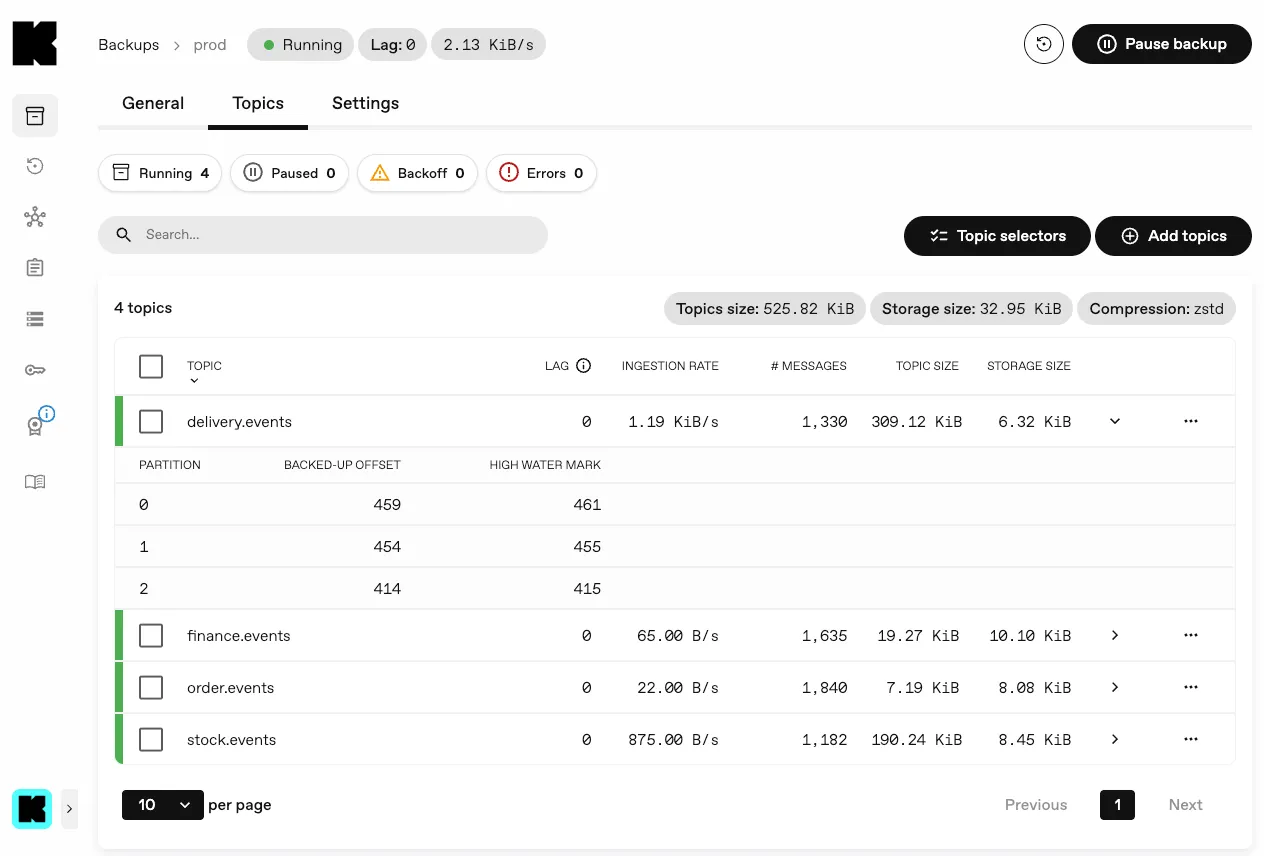
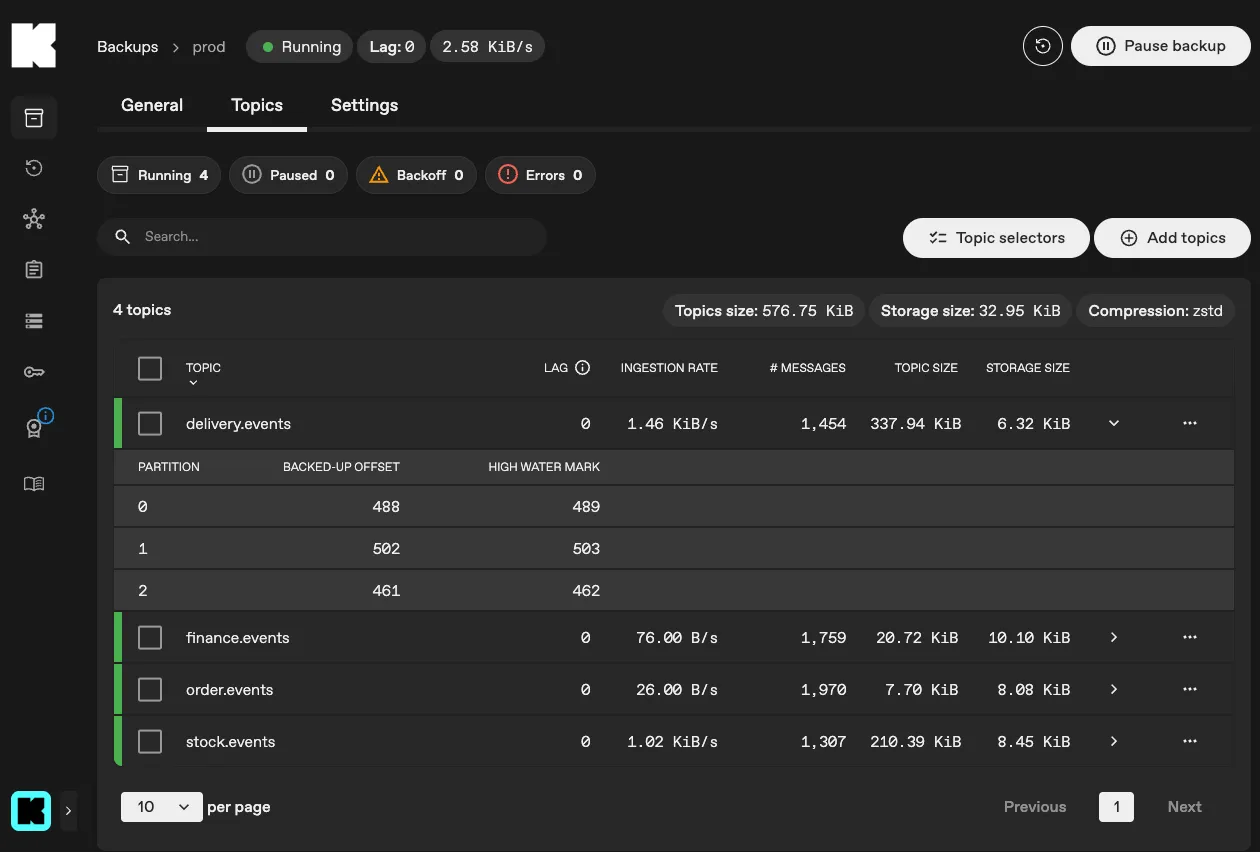
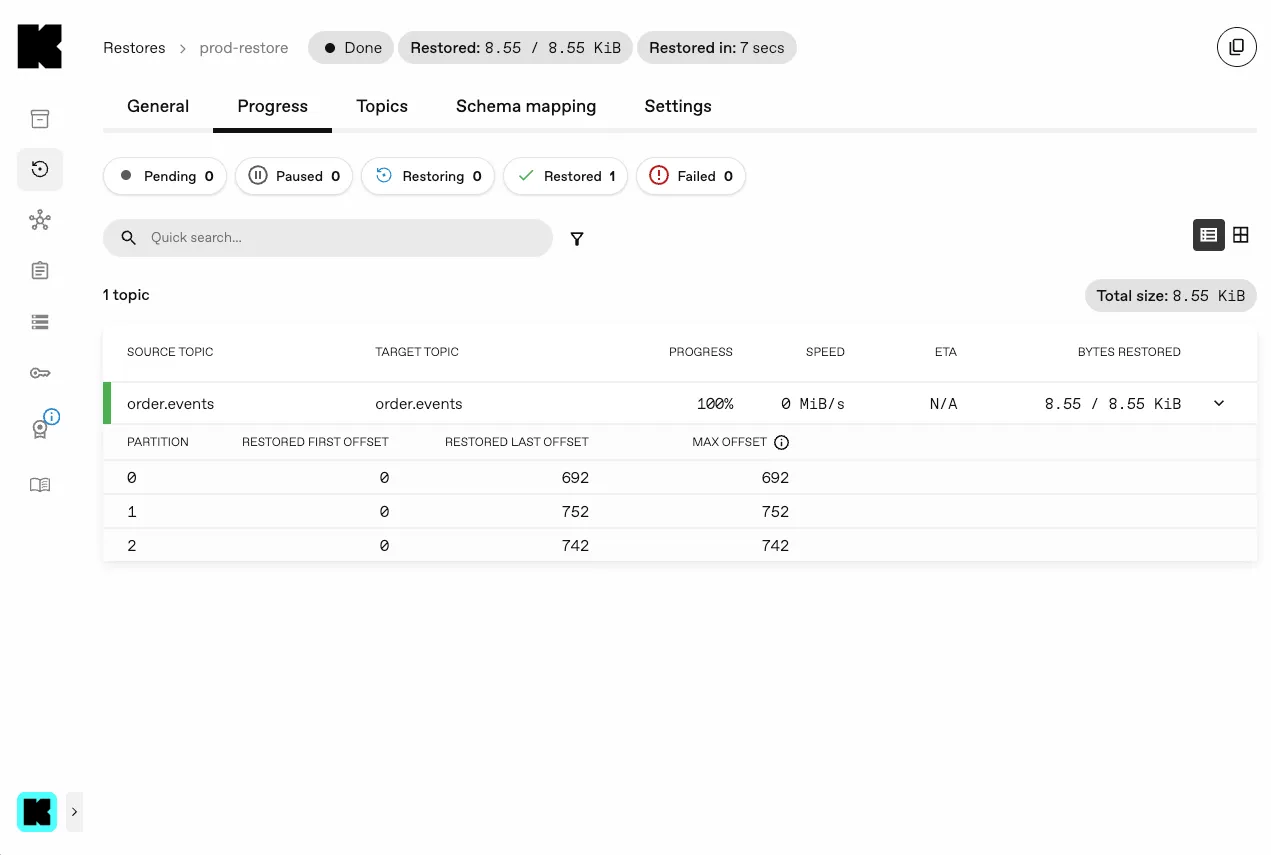
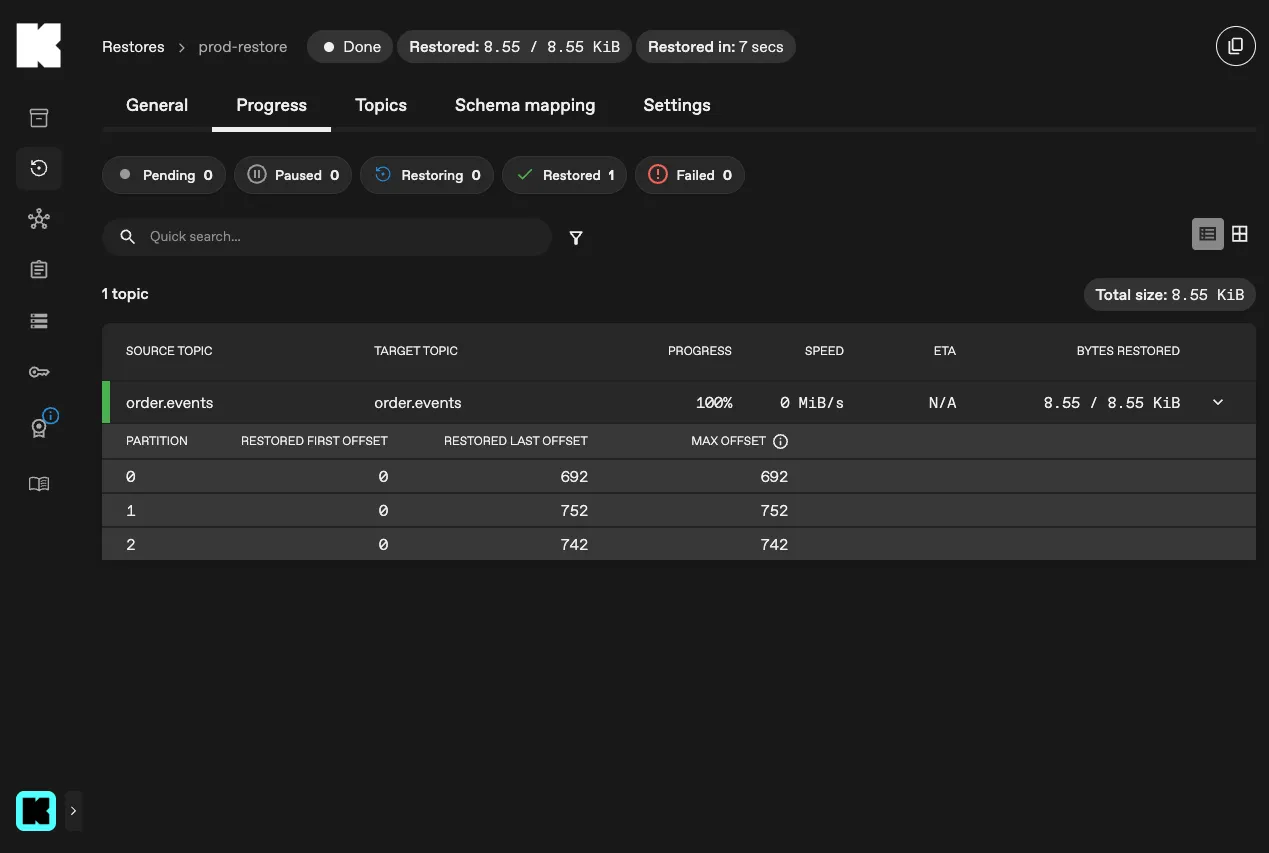
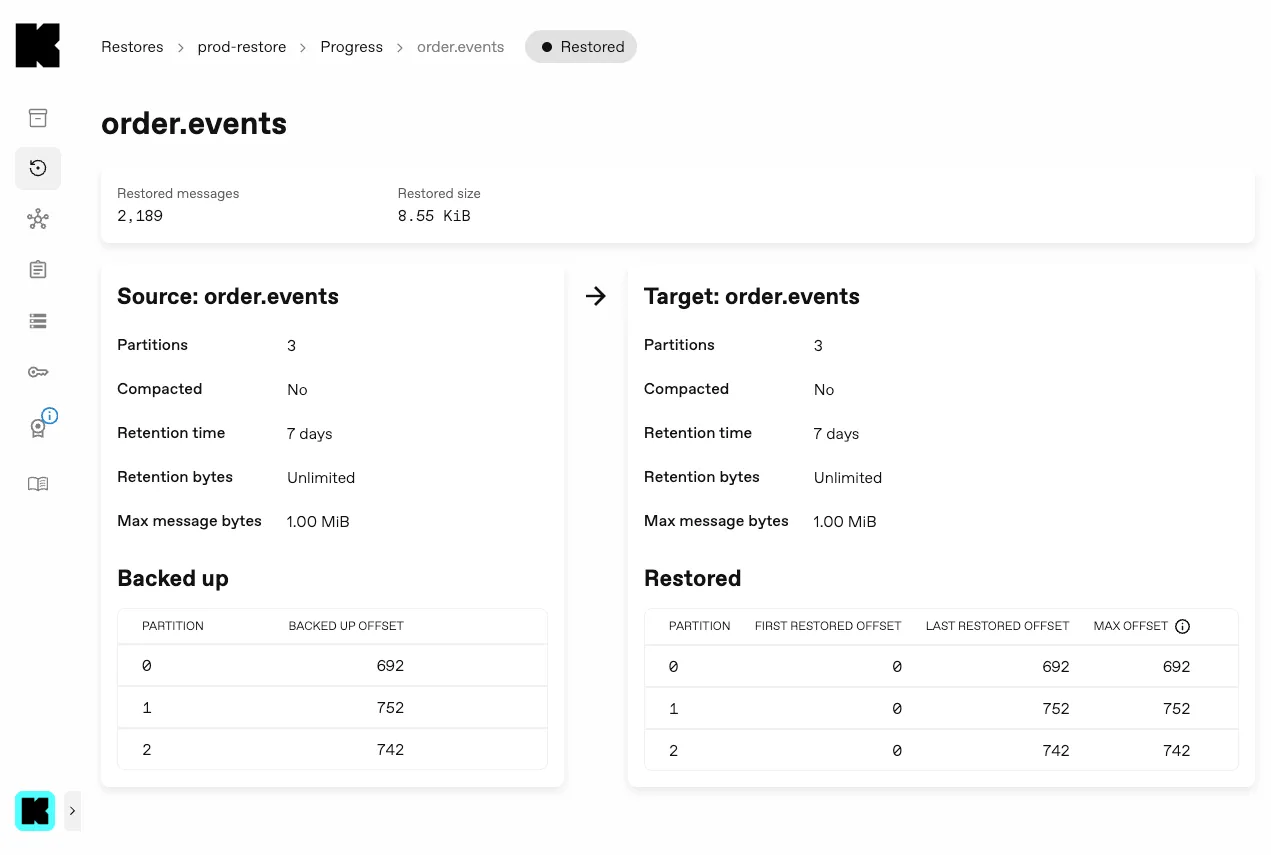
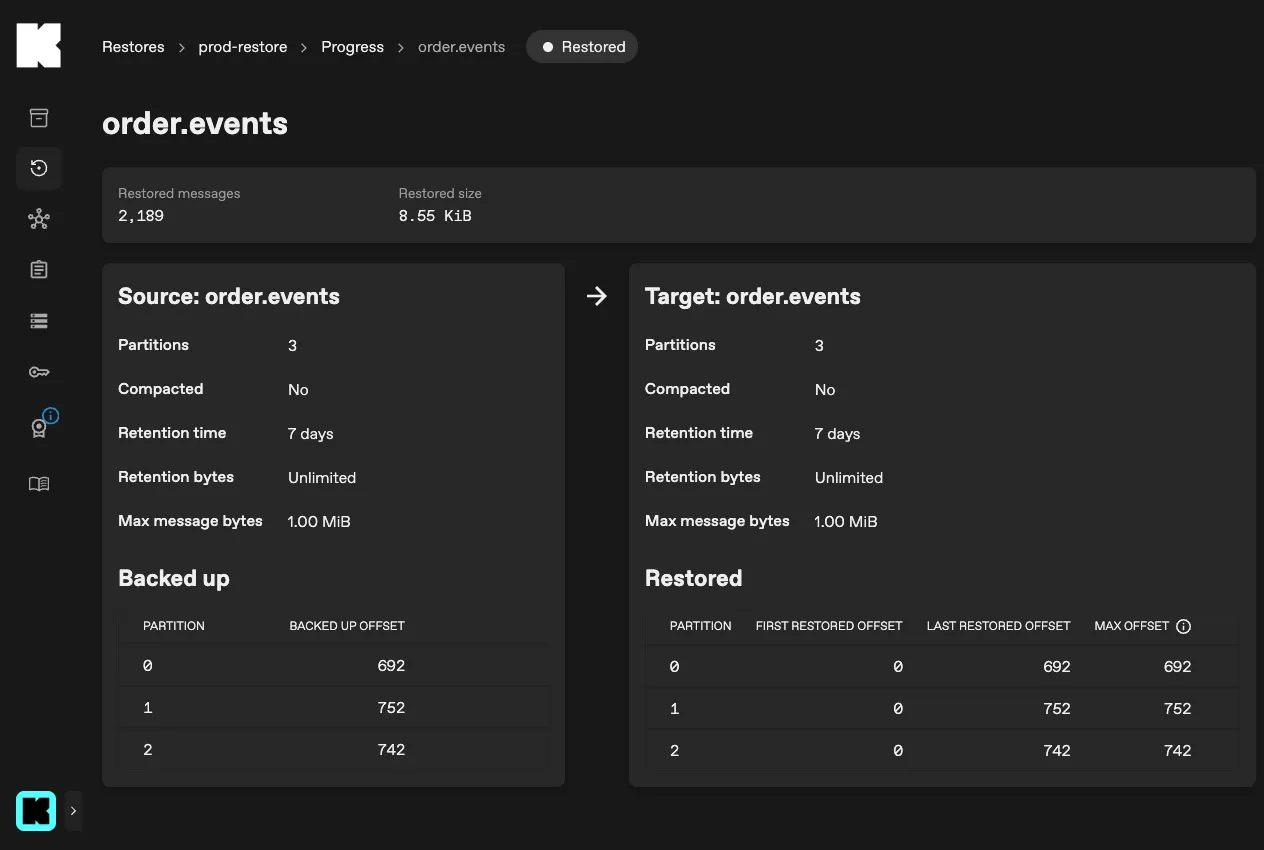
Section titled “Partition metrics in the console”The console now shows progress for each partition of a topic, not just the topic as a whole. New partition tables across the backup and restore pages let you see how far along each partition is, making it easy to spot one that is lagging behind the rest.
Maintenance mode
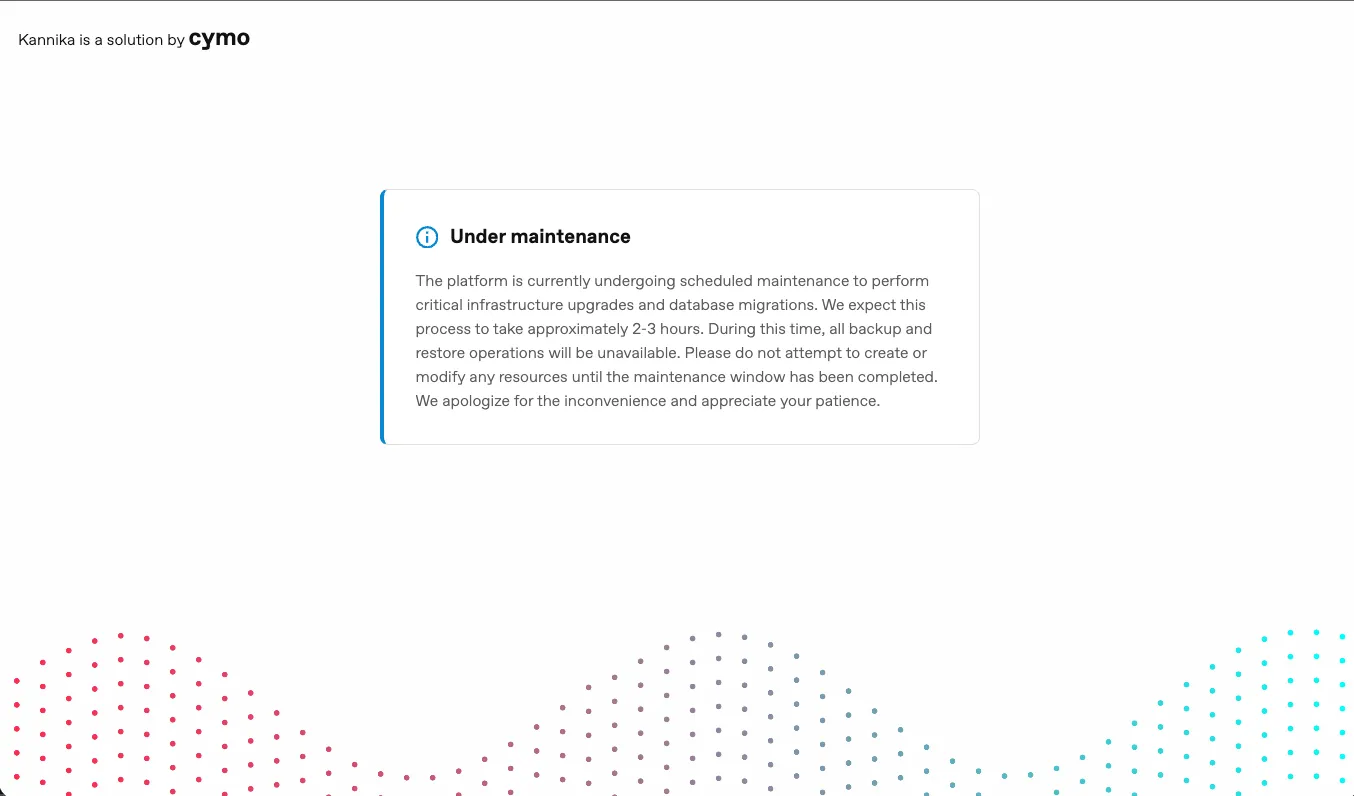
Section titled “Maintenance mode”Maintenance mode lets platform administrators temporarily put the platform in a restricted state during planned upgrades or outages. It is configured through the Helm chart’s global values:
global: maintenance: enabled: true banner: message: "Scheduled maintenance in progress." variant: "warning" # info, warning, errorWhen maintenance mode is enabled,
backup workloads are scaled down to zero,
the API returns 503 Service Unavailable for all GraphQL and REST endpoints,
and the console redirects users to a dedicated maintenance page.
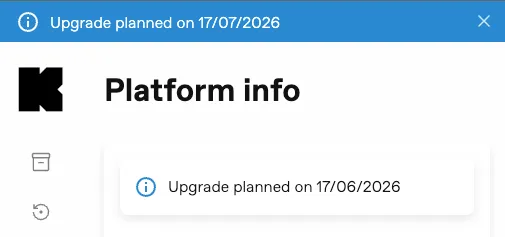
The banner is shown to users regardless of whether maintenance mode is enabled, so you can also use it to announce upcoming maintenance without pausing operations.
Restore segment filtering
Section titled “Restore segment filtering”Restores that use time, offset, or retention filters now perform segment-level pre-filtering. Armory evaluates the backup index up front and skips any segment that falls entirely outside the configured filter window, avoiding the download and scan of data that would be discarded anyway.
Partition count preflight check
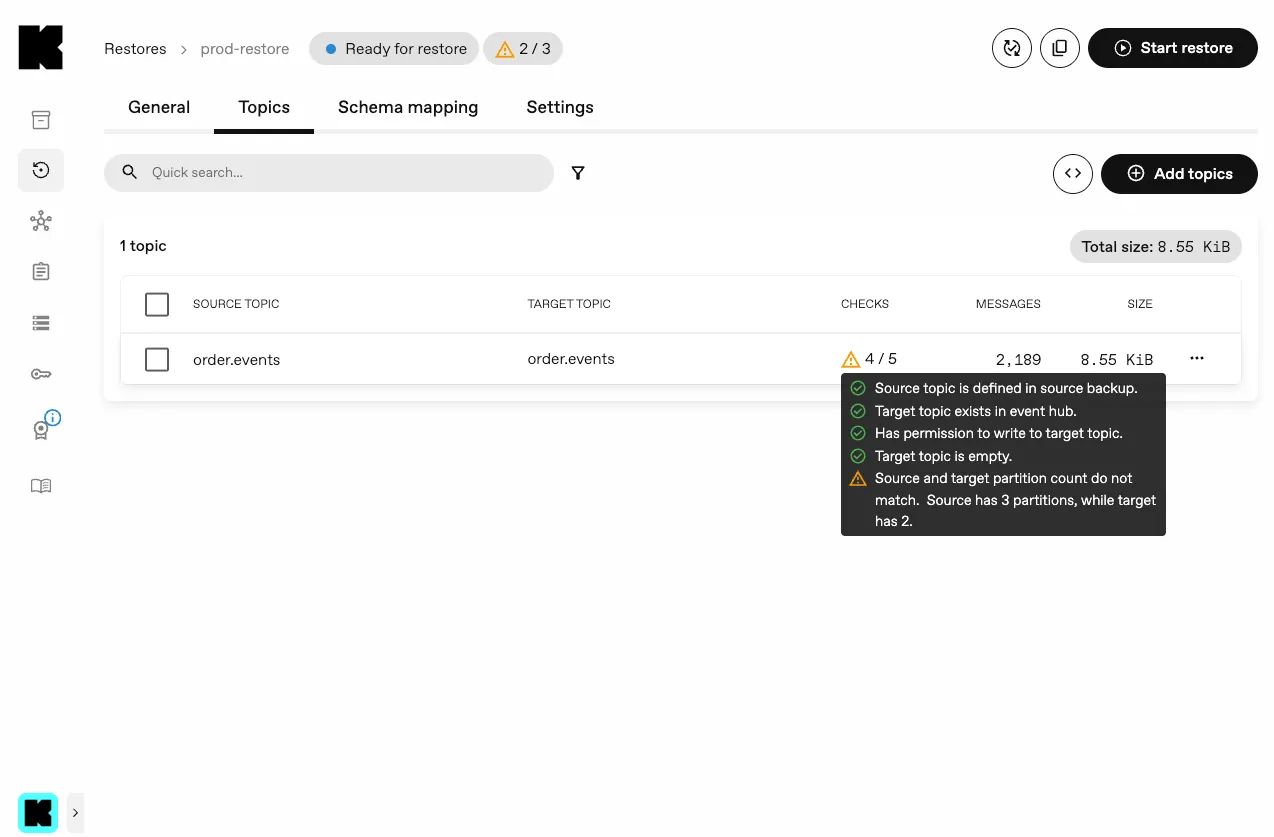
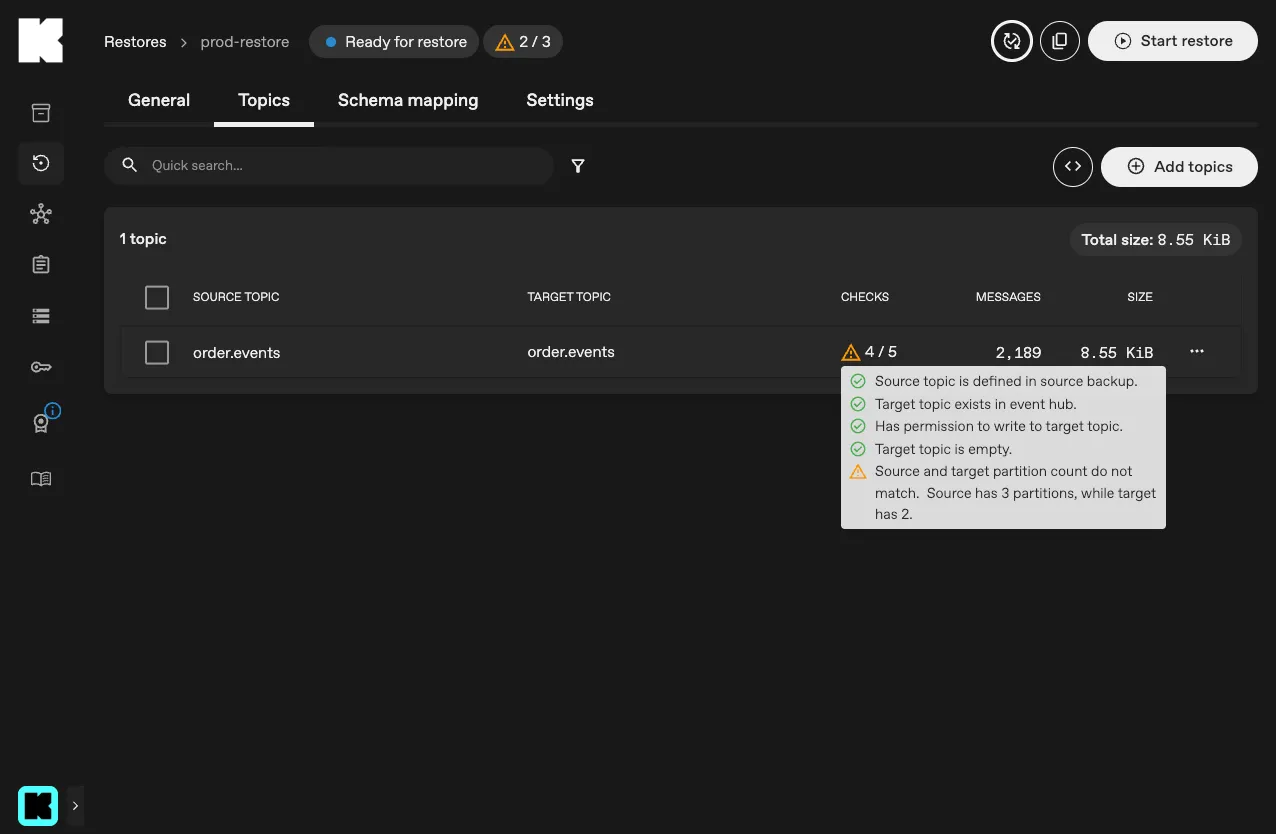
Section titled “Partition count preflight check”When you configure a restore in the console, it now runs a preflight check that compares the number of partitions in the source backup with the target topic. When the counts differ, the console warns you before the restore starts, so you can catch a misconfigured target topic instead of discovering it after the data has been written.
Improvements
Section titled “Improvements”- Console: the topic selection pages now show a warning when no topics are found, pointing you to the likely cause (an empty event hub or missing permissions) instead of just an empty list.
Bug fixes
Section titled “Bug fixes”-
Operator: reserve label headroom for StatefulSet child names to stay within the 63-character limit.
-
Backup: prevent out-of-band errors from fanning out to all backup tasks and restarting them
Release notes
Section titled “Release notes”For a full list of changes, see the Changelog.