

Back up compacted topics
This tutorial shows how to use topic property selectors to back up every compacted topic on a cluster in a separate Backup.
Kannika Armory does not compact the backed up data. The storage of a compacted topic keeps every old value and tombstone, and keeps growing over time. With the compacted topics in a separate Backup, you can rotate the storage of that Backup, as described in Schedule backup snapshots, without affecting the backups of the other topics.
Prerequisites
Section titled “Prerequisites”- A Kannika Armory instance available, running on a Kubernetes environment.
- Local installation of the
kubectlbinary. - An EventHub named
prod-kafkaand a Storage namedprod-storagein thekannika-datanamespace. - When the Kafka cluster uses ACLs, the
DescribeConfigspermission on the topics, in addition to the permissions that are needed to back them up.
Create the Backup
Section titled “Create the Backup”Create a file named compacted-backup.backup.yaml:
apiVersion: kannika.io/v1alphakind: Backupmetadata: name: compacted-backup namespace: kannika-dataspec: source: prod-kafka sink: prod-storage enabled: true topicSelectors: matchers: - property: key: "cleanup.policy" operator: Contains value: "compact"The matchers rule selects every topic whose cleanup.policy contains compact.
It uses Contains instead of Equals,
because cleanup.policy can hold a comma-separated list such as compact,delete.
Full example with EventHub, Storage, and Backup
# EventHub - defines the Kafka cluster connectionapiVersion: kannika.io/v1alphakind: EventHubmetadata: name: prod-kafka namespace: kannika-dataspec: kafka: properties: bootstrap.servers: broker:9092---# Storage - defines where backups are storedapiVersion: kannika.io/v1alphakind: Storagemetadata: name: prod-storage namespace: kannika-dataspec: volume: capacity: 10Gi---# Backup - backs up every compacted topic from the EventHub to the StorageapiVersion: kannika.io/v1alphakind: Backupmetadata: name: compacted-backup namespace: kannika-dataspec: source: prod-kafka sink: prod-storage enabled: true topicSelectors: matchers: - property: key: "cleanup.policy" operator: Contains value: "compact"Apply the Backup:
kubectl apply -f compacted-backup.backup.yamlUsing the console
Section titled “Using the console”The same rule can be added to an existing Backup in the console:
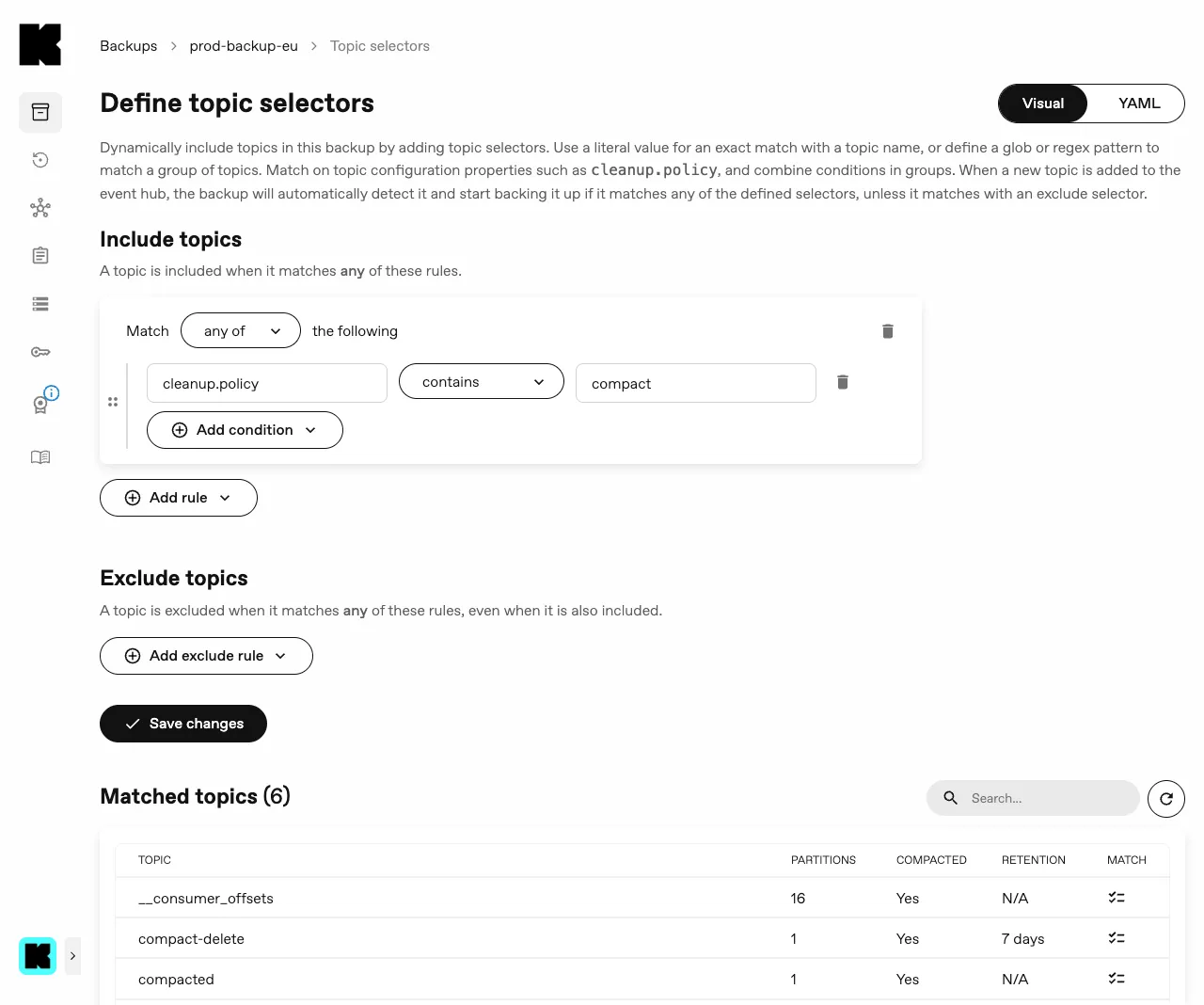
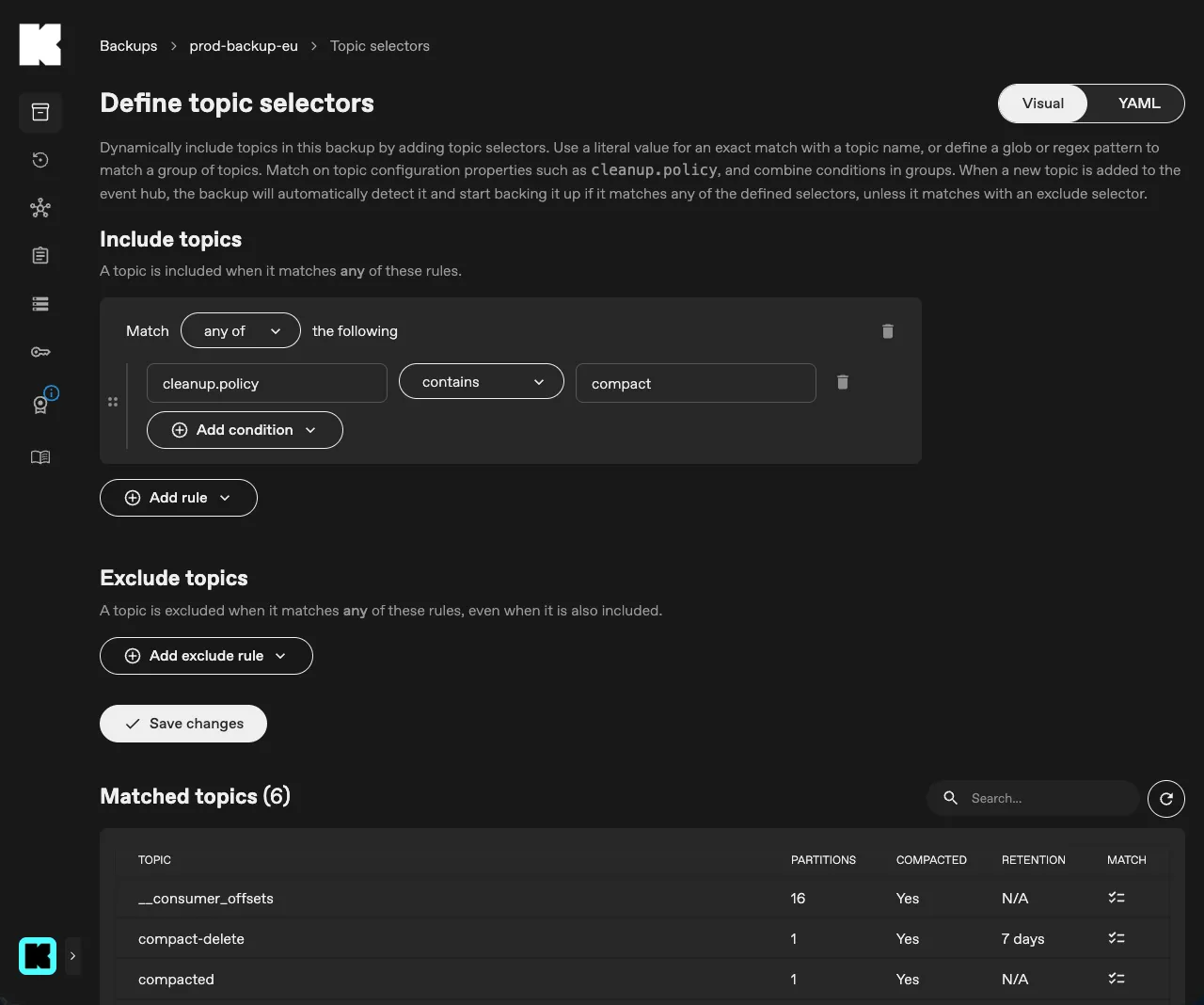
- Go to Backups, open the Backup, and select the Topics tab.
- Click Topic selectors.
- Under Include topics, click Add rule and select Property.
- Enter
cleanup.policyas the property key, select contains, and entercompactas the value. - Click Save changes.
Summary
Section titled “Summary”In this tutorial, you learned how to back up every compacted topic in a separate Backup,
by matching on the cleanup.policy property of the topics.
To keep the storage of the compacted topics from growing indefinitely, rotate the storage of this Backup as described in Schedule backup snapshots.